ArrowRun: Zen Skin Unlock Guide: Colorful & Achievements
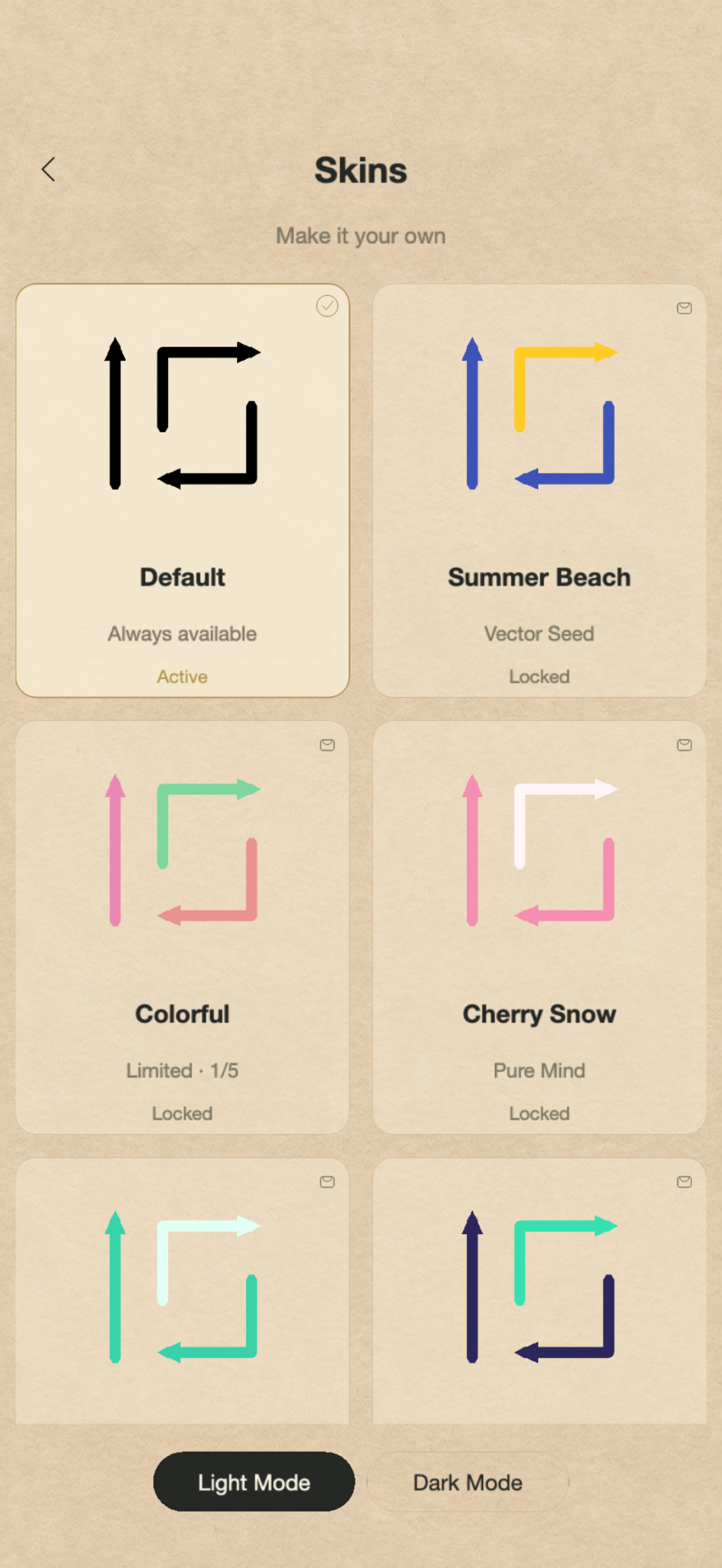
The default skin is ready from the start. Colorful comes from opening the game on five different days, while 14 other skins are tied to achievements. Here is how to earn and select them.
Real game captures. Your level and unlock progress may differ.
Unlock Colorful in five days
Open the game on five different calendar days, using the device’s local date. Days do not need to be consecutive: missing a day does not reset the count. Opening the game several times on one day still counts as one day. On the fifth recorded day, Colorful becomes available; choose it from Skins to use it.
Earn the 14 achievement skins
Each achievement below unlocks its matching skin automatically. For example, clearing level 10 earns Vector Seed and unlocks Summer Beach. The table includes the conditions that matter for streaks, tools and timing.
| Skin | Achievement | Unlock requirement |
|---|---|---|
| Summer Beach | Vector Seed | Clear level 10. |
| Mint Candy | Matrix Flow | Clear level 50. |
| Blueberry Ice | Topology Grid | Clear level 100. |
| Deep Sea Dream | Absolute Zero | Clear all 1,000 mainline levels. |
| Coral Sea | Flowing Stream | Correctly remove 10 arrows within 5 seconds in one level. |
| Cloud Blue | Unbounded Cloud | Correctly remove 20 arrows in a row in one level. A blocked-arrow tap breaks the streak. |
| Cherry Snow | Pure Mind | Clear 5 consecutive levels without blocked-arrow taps, defeat or restart. |
| Aurora Night | Cloud Clearance | Make a legal move that changes removable arrows from exactly 1 to at least 3. |
| Caramel Latte | Minimalist Art | Clear 15 different levels without tools or blocked-arrow taps. |
| Forest Morning | Breeze Sweep | Clear 2,000 arrows in total. |
| Galaxy Violet | Midnight Bell | Clear a level from 00:00 until before 03:00, in device local time. |
| Lime Summer | Resilient Flow | Clear the same level after at least 6 defeats. |
| Amber Glow | Contemplation | Think for 120 active seconds before your first arrow tap, then clear the level. Menus and background do not count. |
| Moonlight Silver | Enlightenment | Unlock all other 13 achievements. |
Select an unlocked skin
Open Skins from the home screen. Tap a skin card to see its requirement and progress. If it is unlocked, use the selection button; the active skin is marked in the list. A locked preview does not equip the skin. Light Mode and Dark Mode change the appearance separately from the skin unlock.
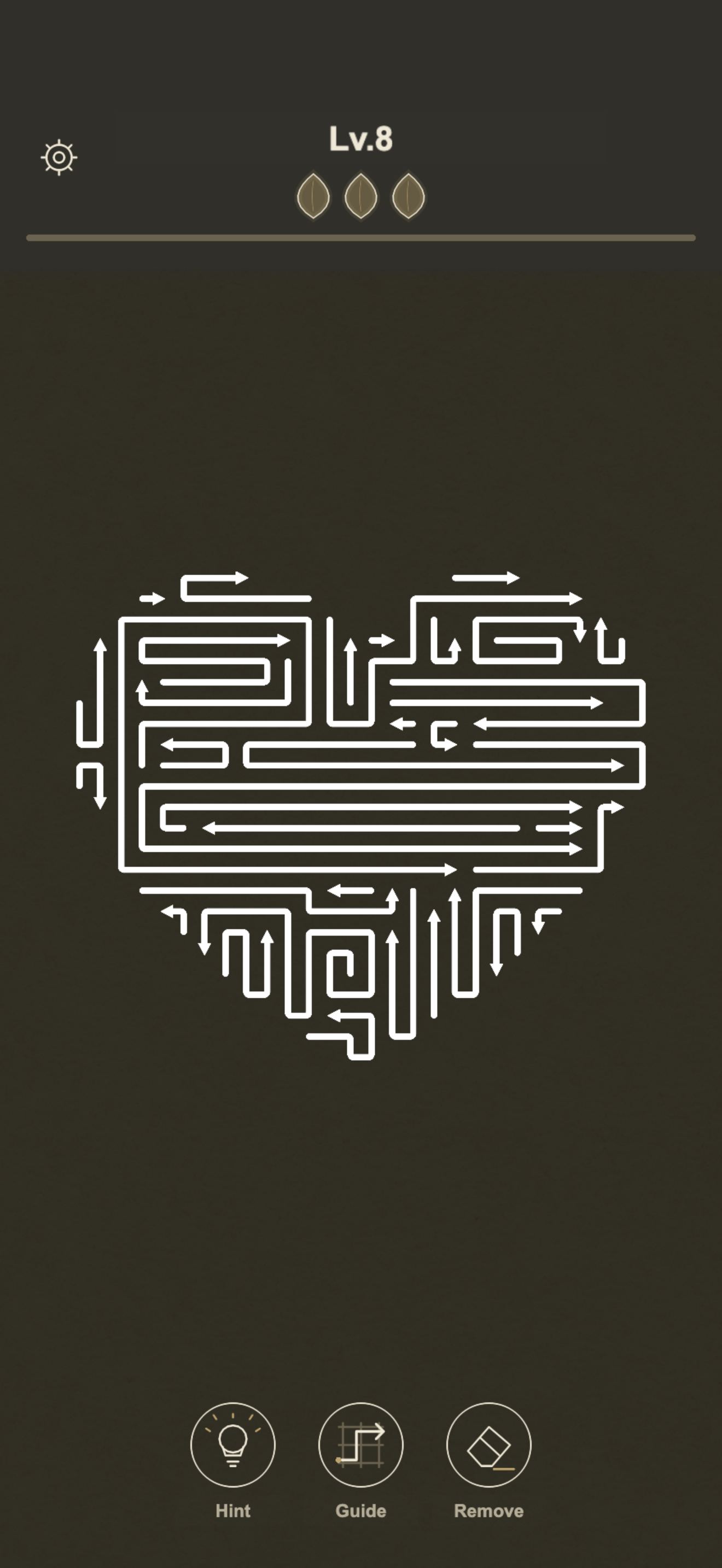
Keep your progress
Unlocks and game progress are saved on the device. Game Center is optional, and achievements can be earned offline before syncing when connected. Do not delete or reinstall the app to fix an unlock issue: local progress may be lost. If something looks wrong, close and reopen the app, check the skin’s exact condition, then contact support with your app version and a screenshot.
QUICK ANSWERS
Does Colorful require a five-day streak?
No. It requires five different local calendar days. Skipped days do not reset the recorded total.
Does opening the game five times today unlock Colorful?
No. Repeated sessions on the same local calendar day count as one day.
Must I sign in to Game Center to unlock skins?
No. Local achievements and skin unlocks work without Game Center. Signing in enables the supported Game Center features.